
Know your stock. Count where it matters.
See where stock is running short unexpectedly and what losses cost. Spot-check individual items when something looks unusual. Keep the picture clear without counting the whole store every day.
The starting point
Confirm actual opening stock at each location. A first delivery can form that baseline when its confirmed quantities cover the entire starting stock. Record subsequent goods receipts.
See losses in quantities and money
Breakage, spoilage and other uses become visible. See which losses are already explained and which discrepancies still need attention.
500 grams more than planned. What happened?
Example: the recipe allows for 1.5 kg, but a stock check shows 2 kg used. That is 500 g more than planned. Of that, 200 g is already recorded as waste. Investigate the remaining 300 g, worth €3.60 at €12/kg.
Find the cause together
Were portions larger? Was there a staff meal or more waste? Marla helps you clarify the open difference. Once the cause is confirmed, you can take focused action.
When to count
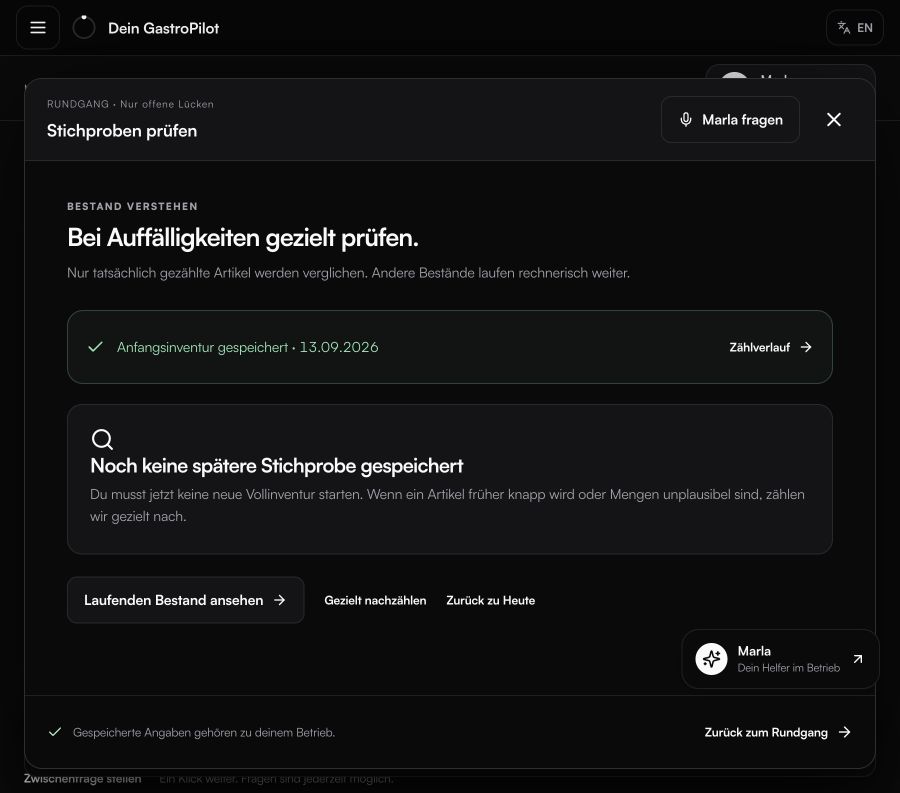
Count where it matters, for example when an item needs reordering earlier than expected. Current sales, deliveries and recorded losses keep your overview up to date.
EXPLORE MORE
Everything works together.
QUICK ANSWERS
Common questions from daily operations.
Do I need a full stocktake every day?
No. Confirm opening stock once, then sales, deliveries and recorded waste carry the calculated stock forward. Count selected items when something looks unusual.
How do losses and variances become visible?
GastroPilot compares expected use from sales and recipes with stock and spot checks. Variances are shown in quantity and monetary value.
Which records keep inventory current?
Confirmed opening stock, POS exports, received deliveries, waste and other uses provide the ongoing foundation.
YOUR NEXT STEP
See what becomes possible in your operation.
We’ll show you GastroPilot through real workflows and discuss how to get started.
Book a demo